Product Comparison 2026

KD61B vs KD61A

A complete side-by-side breakdown of every hardware, software, and specification difference between our new KD61B and the current KD61A replay controller.

KD61B
KD61B
New Product
Upgraded Model
VS
KD61A
KD61A
Current Selling Product
Current Model
At a Glance
LCD Display
None
KD61A
3" Color LCD
KD61B
Control Protocol
USB-MIDI
KD61A
MIDI + TCP
KD61B
Jog Wheel Speed
2 levels
KD61A
4 levels
KD61B
Custom Actions
None
KD61A
24 Actions
KD61B
Power Options
USB Only
KD61A
USB+PoE+DC
KD61B
Menu Languages
None
KD61A
6 Languages
KD61B
USB Interface
Type-B 2.0
KD61A
Type-C 3.0
KD61B
Software Compatibility
vMix + MIDI apps
KD61A
vMix focused
KD61B
What Changed

Key Upgrades in KD61B

Every major improvement KD61B brings over the current KD61A model.

NEW
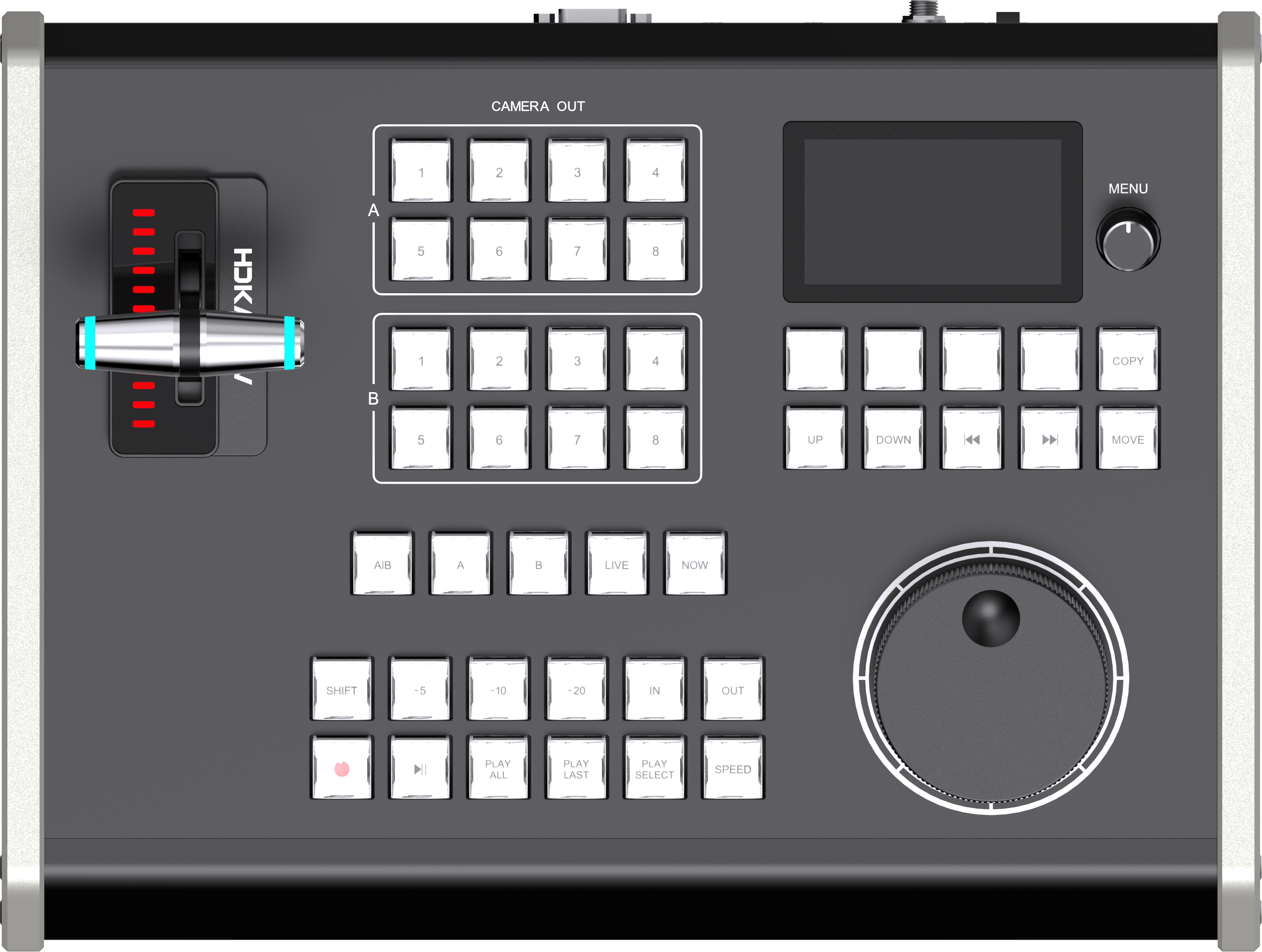
Display
KD61A: No display
3-Inch Color LCD (640x360)
Real-time display of protocol, IP address, replay speed, jog speed, and custom button names. Operators always know panel status at a glance.
NEW
Network Control
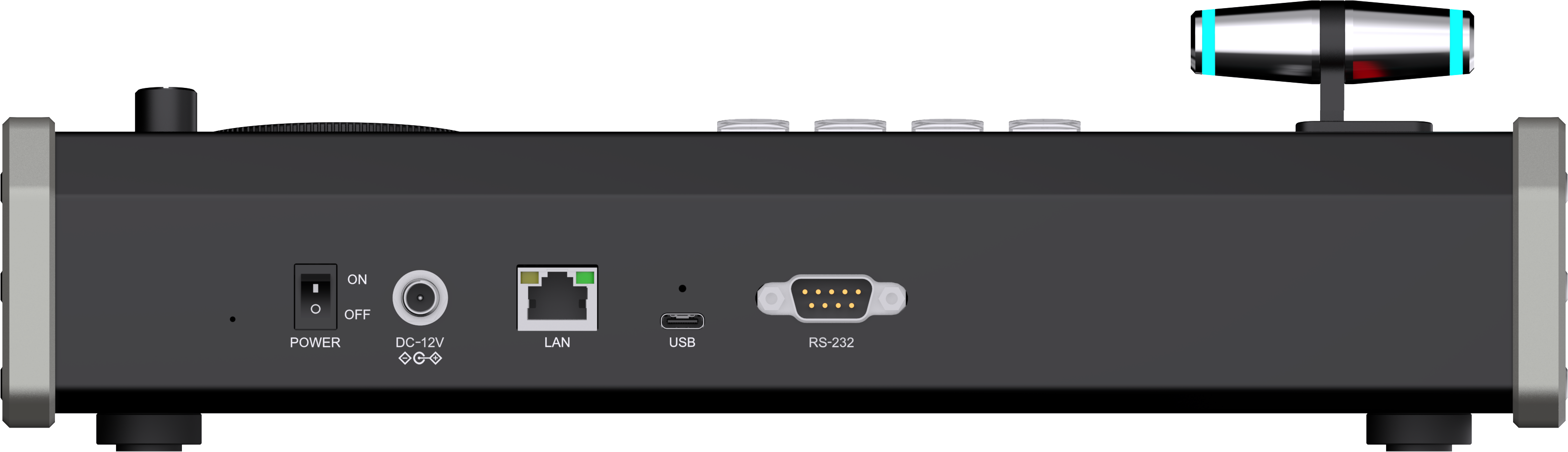
KD61A: LAN port reserved, not enabled
TCP over LAN - Fully Enabled
KD61B activates the RJ45 port for TCP/IP control. Run control over your network infrastructure with no USB cable required at the panel position.
NEW
Custom Buttons
KD61A: No web customization
24 Actions via Web Backend (4 btn x 6 pages)
Assign any vMix command to 4 physical buttons across 6 switchable pages through the web backend. Button names appear live on the LCD.
NEW
Power Options
KD61A: USB 5V only
USB + PoE + DC 12V
PoE allows a single CAT cable to deliver both TCP control and power. DC 12V port provides stable standalone power for fixed installations.
BETTER
Jog Wheel
KD61A: 2-speed (1x / 5x)
4-Speed (1x / 2x / 3x / 4x)
More granular speed control for precise frame-searching. Progressive 1x to 2x to 3x to 4x gives better control in all situations.
NEW
Firmware Upgrade
KD61A: Requires tool loading
OTA via Web Backend
Update firmware directly from the web backend with no special tools or software needed. Suitable for remote or field deployment.
NEW
Menu Languages
KD61A: No on-device menu
6 Languages (ZH / EN / JA / KO / RU / PT)
Built-in multilingual menu makes KD61B suitable for international operators and globally distributed broadcast teams.
BETTER
Keys & Indicators
KD61A: Dual-color crystal keys
Full RGB Crystal Keys + Brightness Control
RGB backlit crystal buttons with 3 brightness levels (low / mid / high). Adapt to any venue lighting from dark studio to bright outdoor.
BETTER
USB Interface
KD61A: Type-B USB 2.0
Type-C USB 3.0
Modern reversible USB-C connector with USB 3.0 speeds. Universally compatible with modern computers and hubs.
Detailed Breakdown

Full Specification Comparison

Every feature, hardware detail, and specification is compared side by side below.

Sub-Category Item KD61A (Current) KD61B (New) Status
Gallery

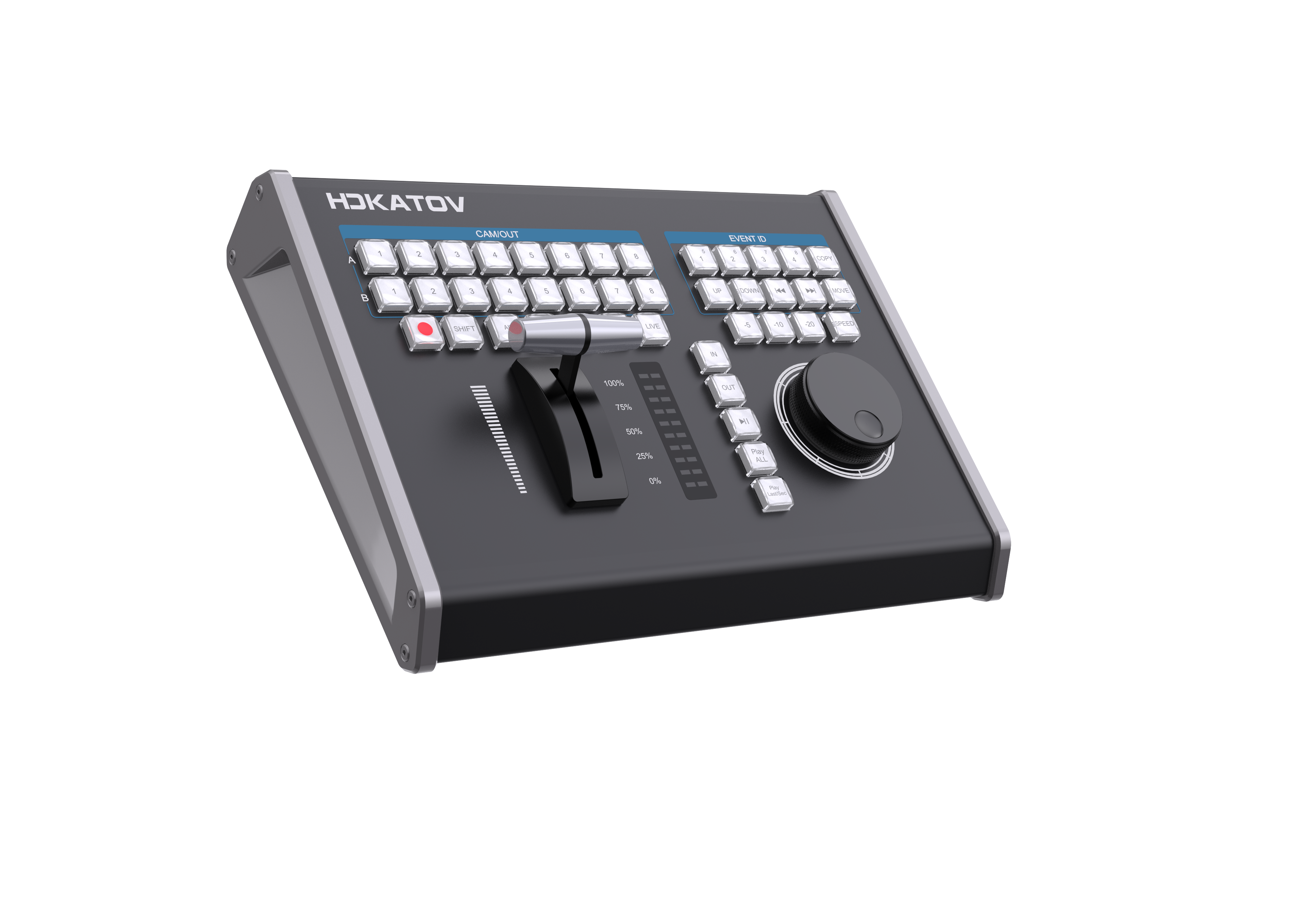
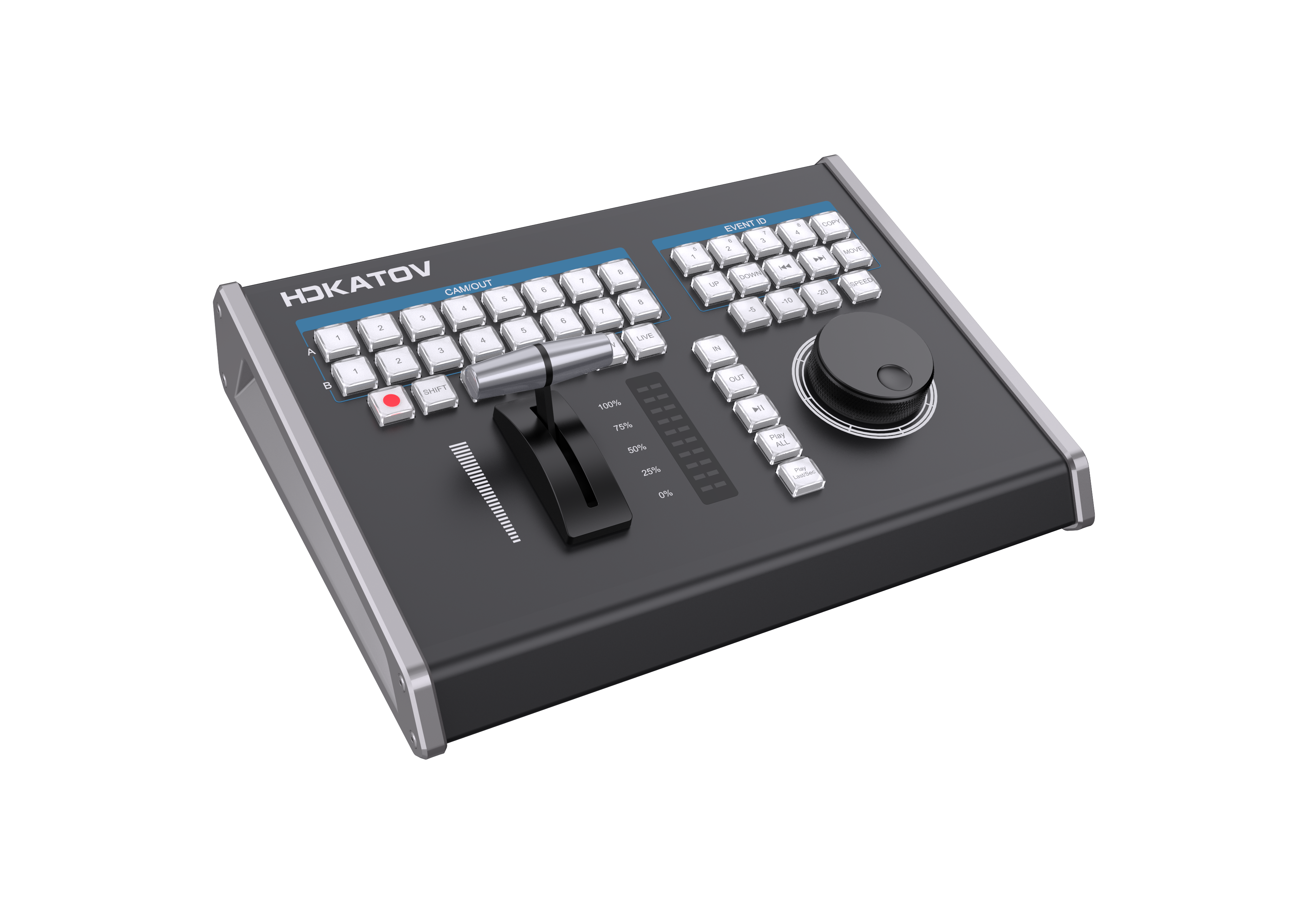
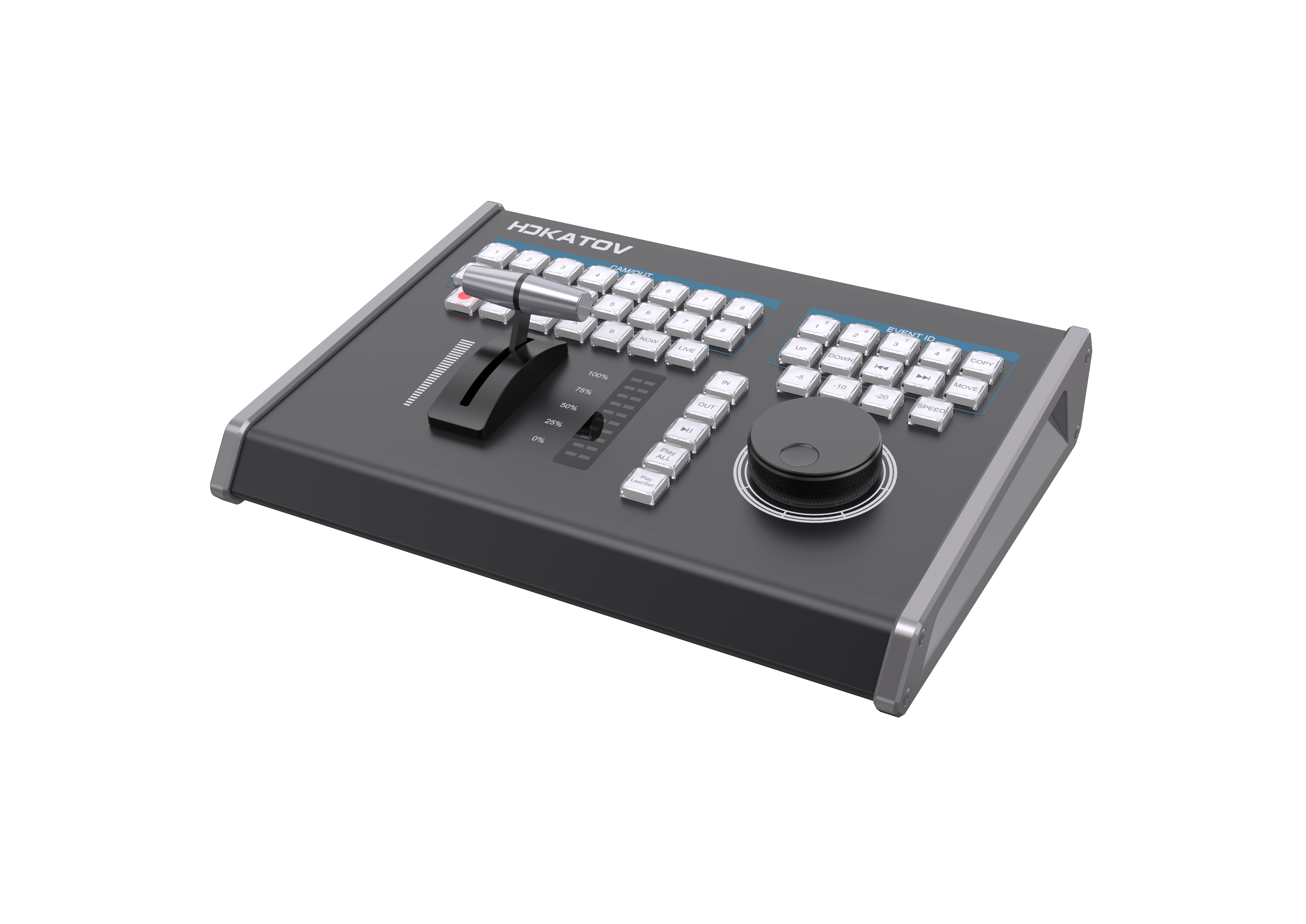
Side-by-Side Product Photos

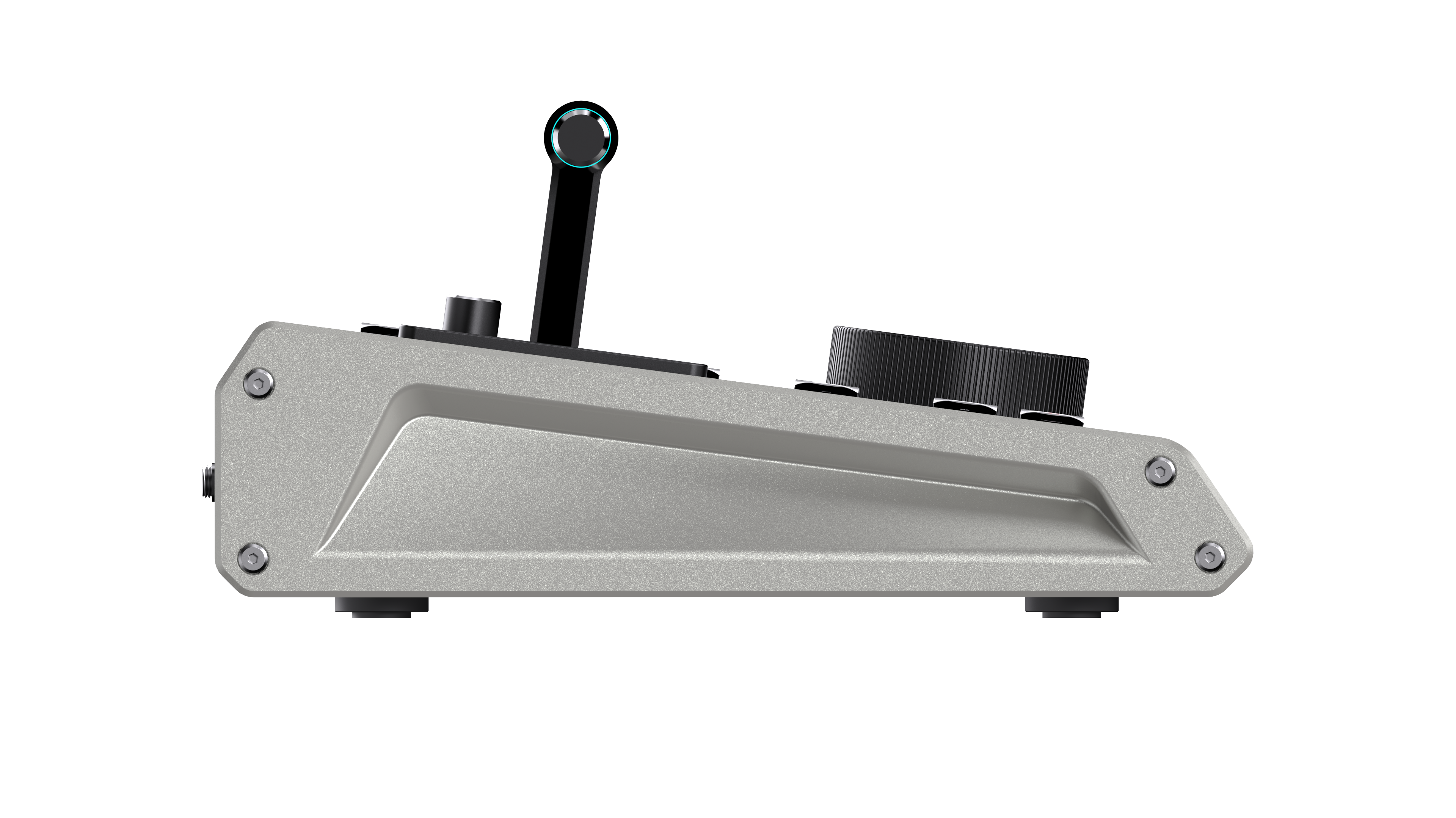
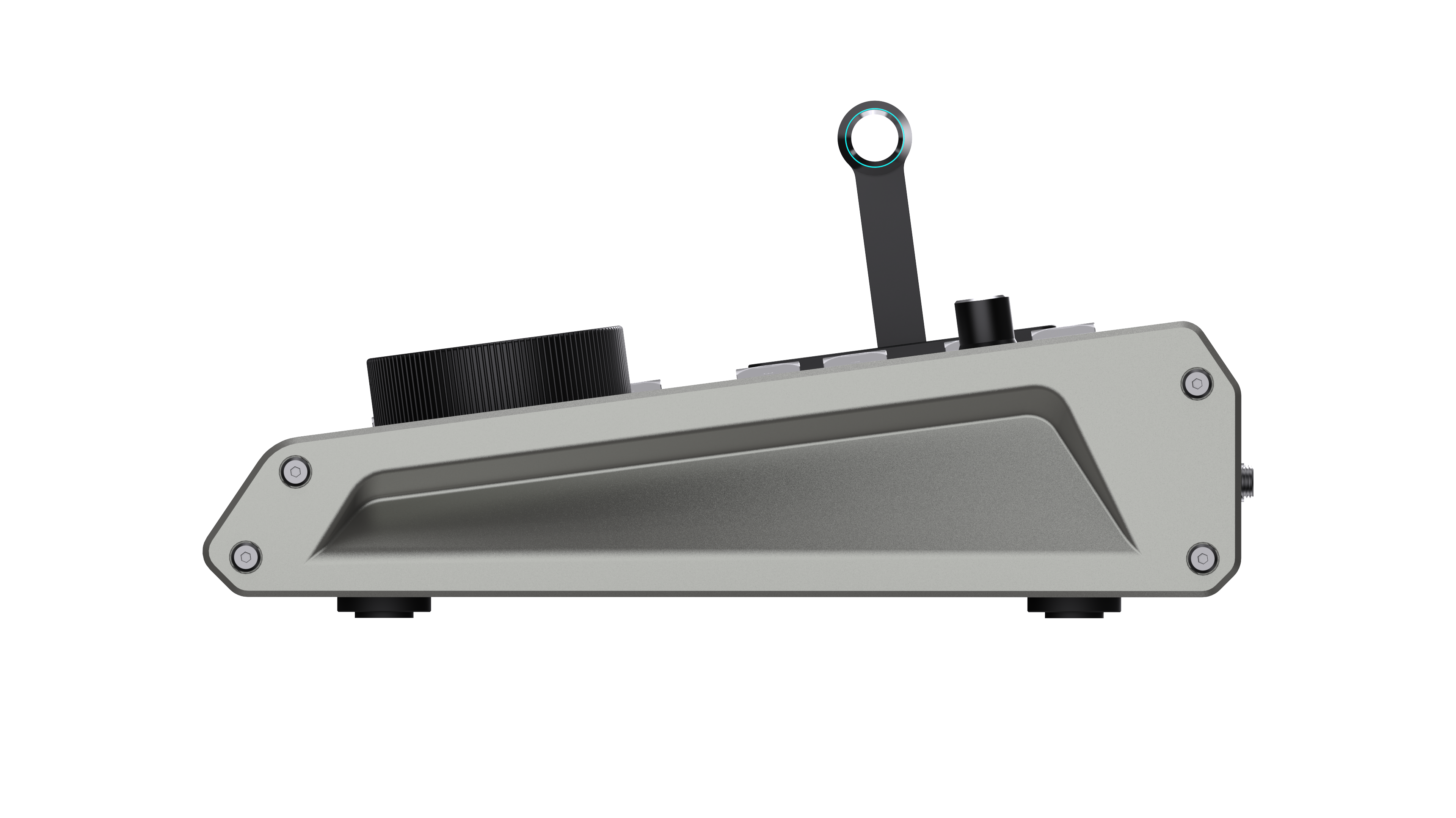
A direct visual comparison of panel design, top surface layout, and body shape.

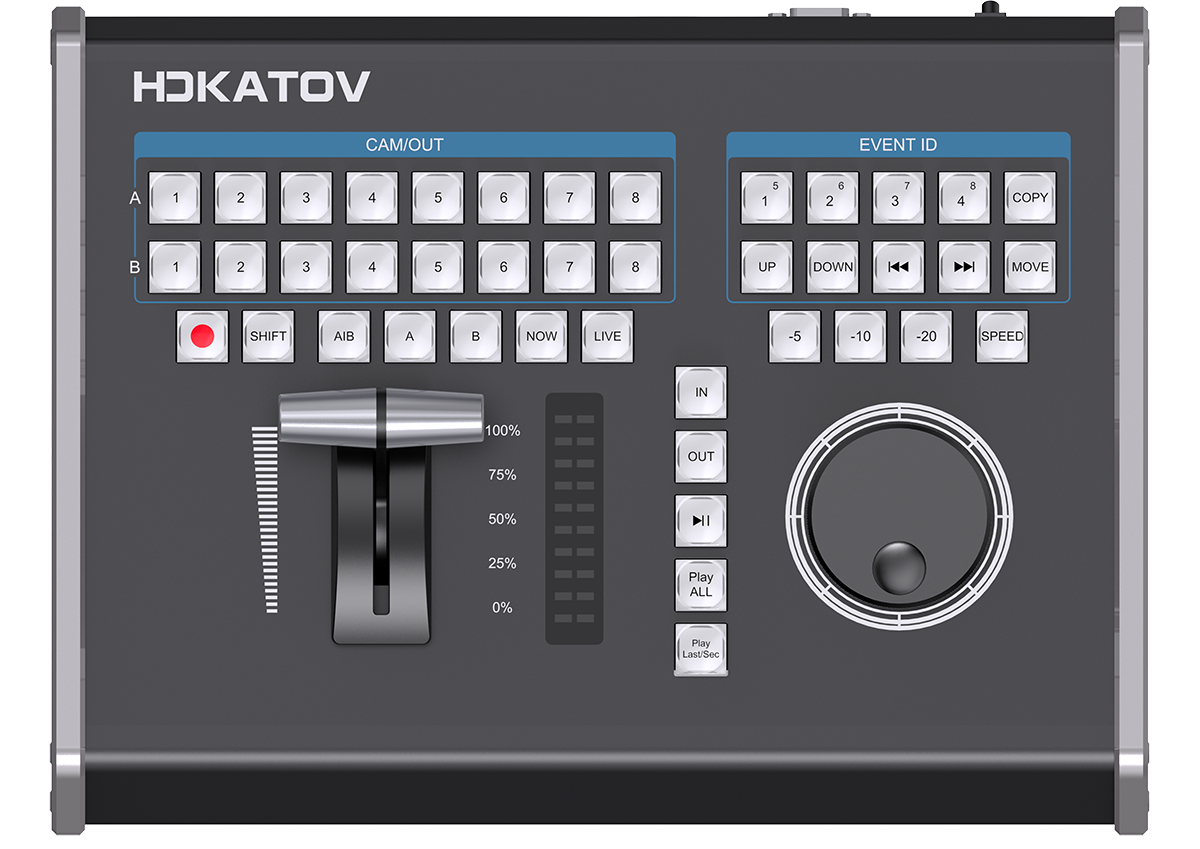
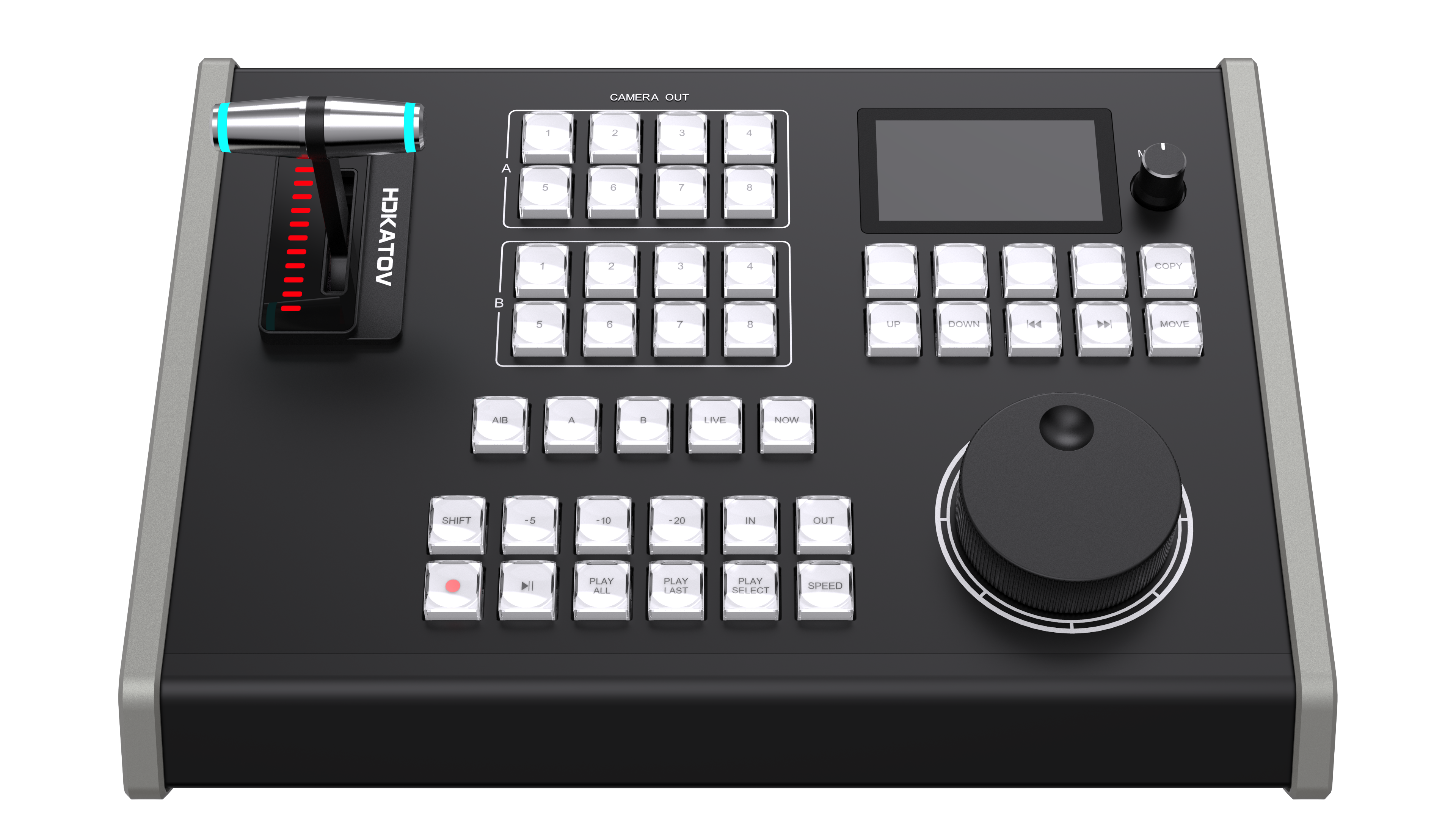
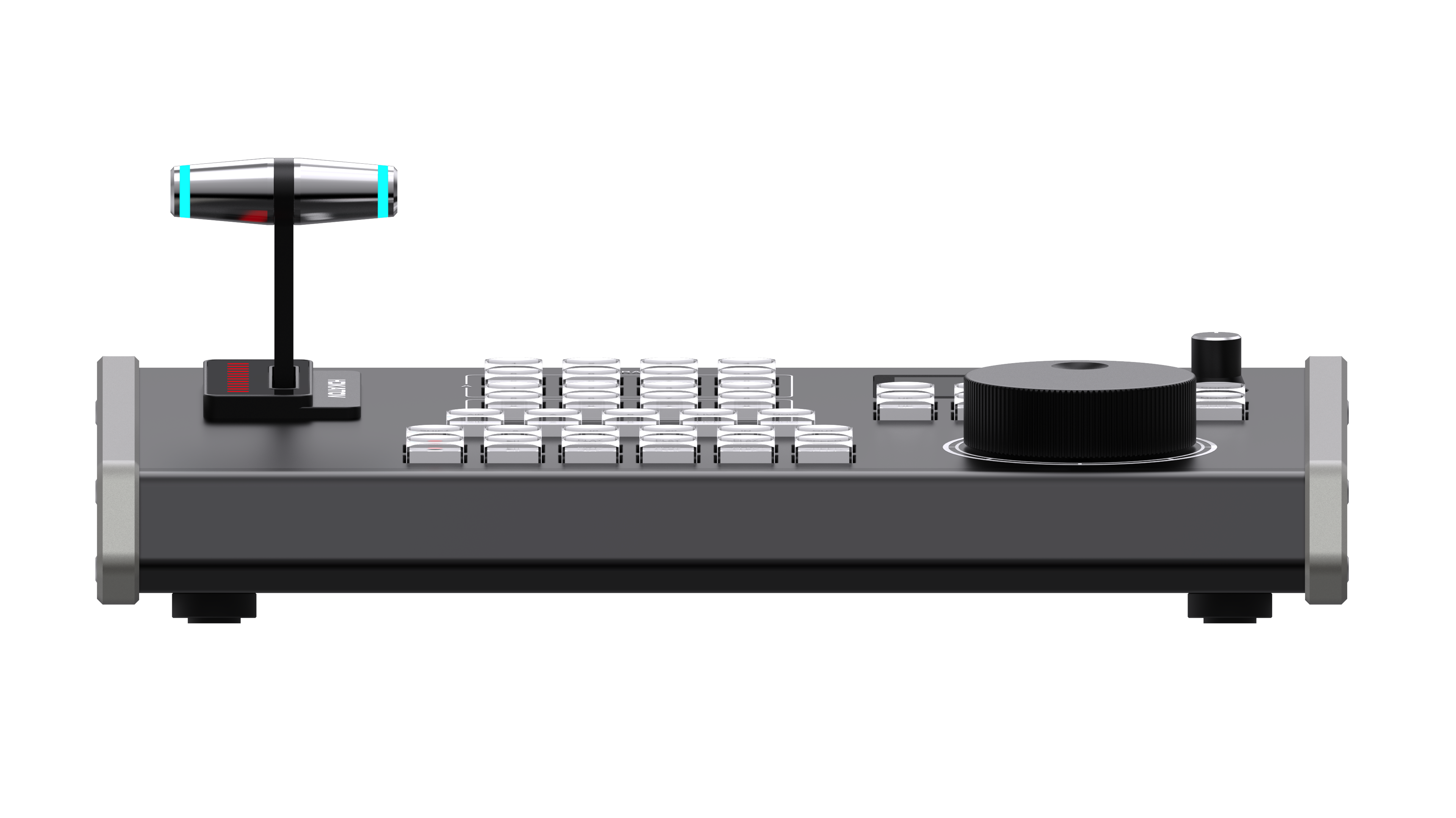
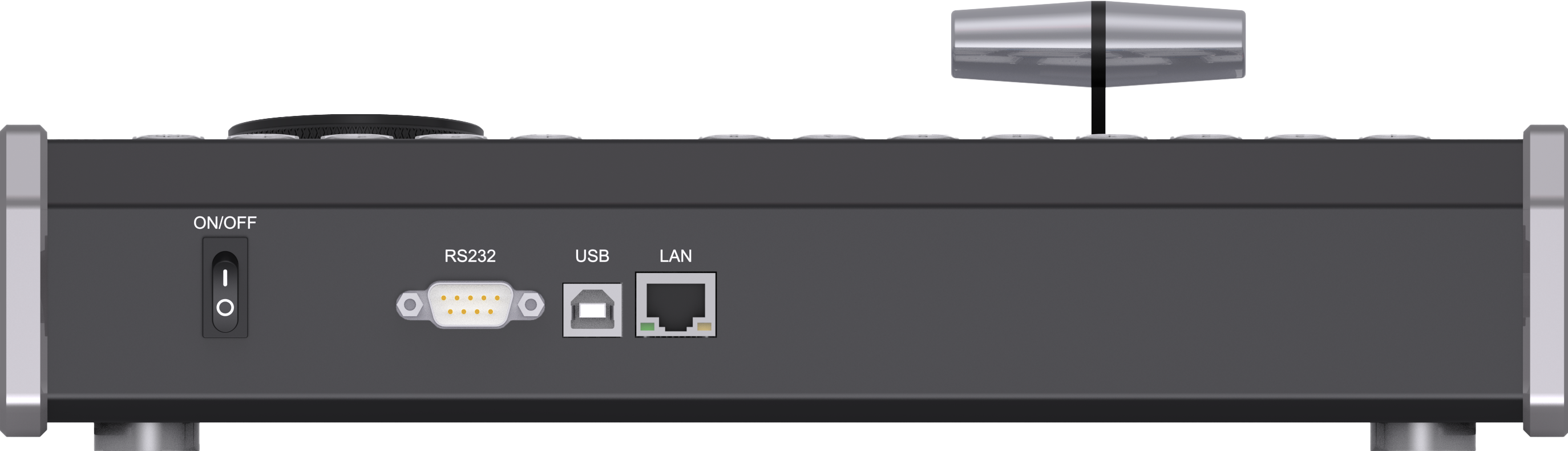
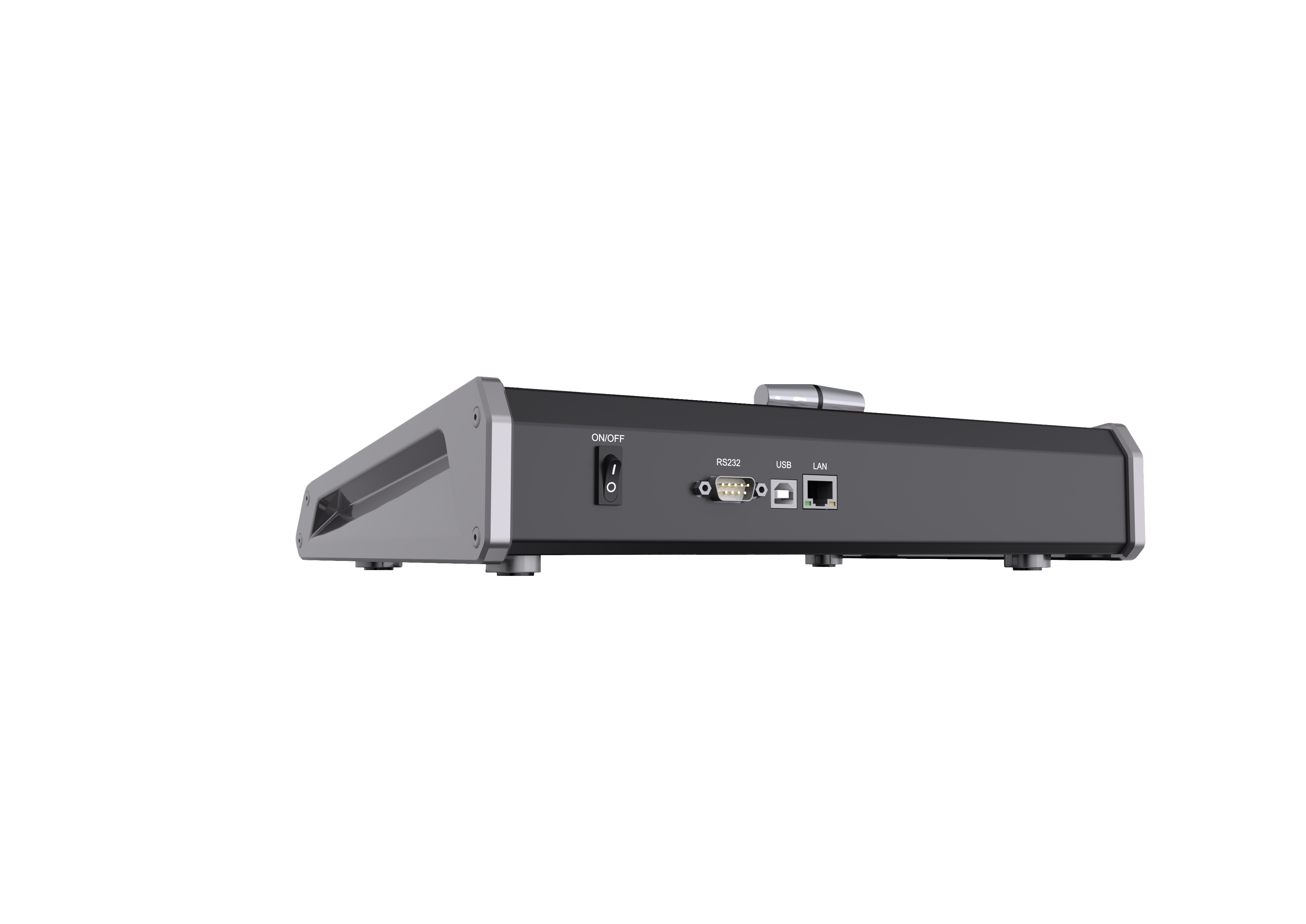
KD61B New Product
KD61B top view
KD61B top viewKD61B front viewKD61B left viewKD61B right viewKD61B aerial viewKD61B front perspective
KD61A Current Model
KD61A top view
KD61A top viewKD61A front viewKD61A front-left viewKD61A top-left viewKD61A top-left detailKD61A top-right view
Recommendation

Which Should You Choose?

Both products cover the core replay workflow. The choice mainly depends on whether you need network-ready deployment and newer panel feedback features.

KD61B
Recommended for newer IP-oriented production setups
  • You want IP-based control over LAN instead of only direct USB control.
  • You need PoE for single-cable deployment.
  • You want real-time LCD feedback on panel status.
  • You need web-configurable custom buttons beyond the fixed layout.
  • You prefer OTA firmware updates instead of tool-based loading.
  • You need a multilingual device menu for broader operator teams.
  • You want finer jog wheel speed control.
  • You are deploying in newer USB-C environments.
KD61A
Best when the existing USB replay workflow already fits
  • You want a simpler USB-only replay controller.
  • You use vMix alongside other MIDI-compatible software.
  • You do not need an LCD screen, TCP, or custom web buttons.
  • You already have an established KD61A workflow and support process.
  • You want to keep the current baseline without moving to a more network-oriented model.
Learn More

Interested in KD61B?

See the full product page for workflow details, highlights, and deployment information.