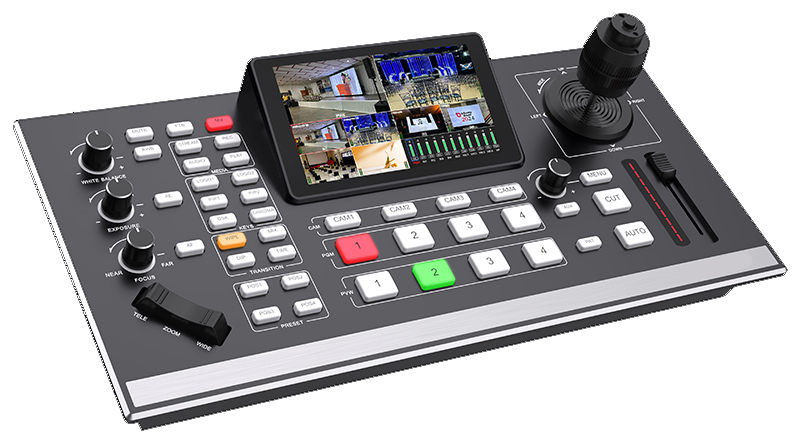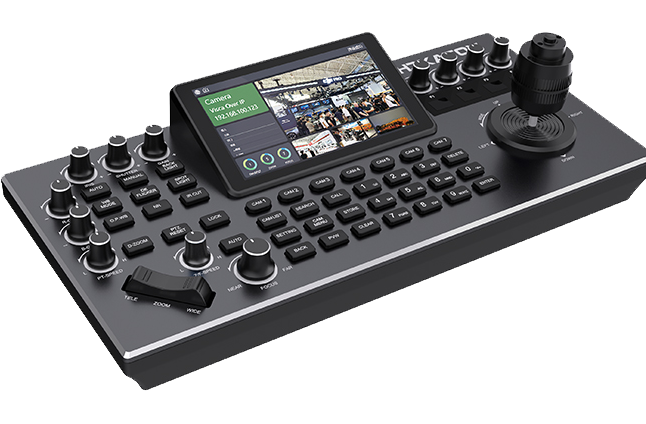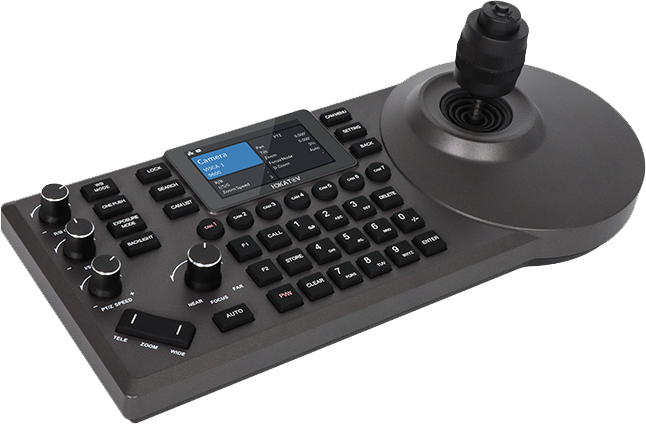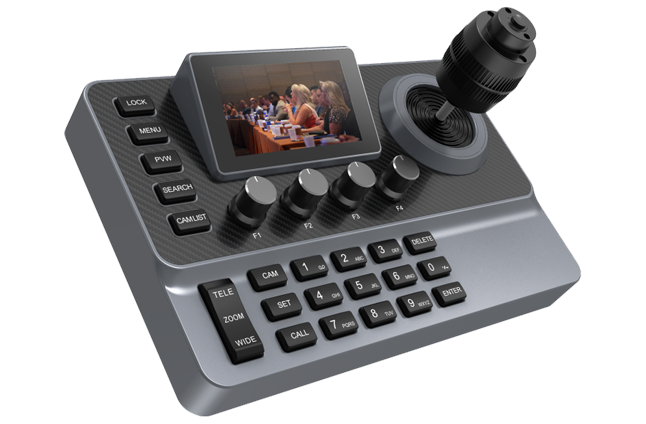
On Air

Buy the right live production systemWith guidanceWithout guesswork

Churches·Small Studios·Live Production Teams

Project advice, compatibility checks, and after-sales support for ATEM, PTZ, Companion, and live switching workflows.

Works with

ATEM / Companion / Central Control / vMix / OBS / PTZ camera / NDI/SDI/HDMI
See Recommended Setups

★★★★★AVCLUE helps you choose faster, set up easier, and get support after delivery

System Map

Start from the system, then choose the next path.

Upgrade Roadmap

From basic stream to full production control

flowchart LR
  A["1 Camera + OBS"] --> B["Stage 1<br/>Basic Live Stream"]
  C["2-4 PTZ Cameras<br/>Presets"] --> D["Stage 2<br/>Multi-Camera PTZ"]
  B --> D
  D --> E["Stage 3<br/>Switching + Recording"]
  F["Switcher + RTMP<br/>Recording"] --> E
  E --> G["Stage 4<br/>Physical Control<br/>Tally + Macros"]
  H["Control Panel<br/>Companion"] --> G
  G --> I["Stage 5<br/>Automation + Replay<br/>Multi-Room"]
  J["Advanced Control<br/>Network Routing"] --> I

  class A,C,F input
  class B,D,E stage
  class H,G control
  class J,I advanced
  classDef input fill:#17223a,stroke:#5b8cff,color:#f4f8ff,stroke-width:2px
  classDef stage fill:#143124,stroke:#49d17c,color:#effff4,stroke-width:2px
  classDef control fill:#342616,stroke:#f59e0b,color:#fff6df,stroke-width:2px
  classDef advanced fill:#32203e,stroke:#ff6fb7,color:#fff0f8,stroke-width:2px
  linkStyle 0,1,2 stroke:#5b8cff,stroke-width:2px
  linkStyle 3,4 stroke:#49d17c,stroke-width:2px
  linkStyle 5,6 stroke:#f59e0b,stroke-width:2px
  linkStyle 7,8 stroke:#ff6fb7,stroke-width:2px

Starting Point

Route the buyer by the main pain point

flowchart TB
  A["Customer Need"] --> B{"Main Pain Point"}
  B -->|"Not sure"| C["Basic Kit"]
  B -->|"Unstable stream"| D["Check audio / network / stream path"]
  B -->|"Operation is complex"| E["Control Upgrade"]
  B -->|"PTZ is inconvenient"| F["PTZ Control Upgrade"]
  B -->|"Already using ATEM"| G["ATEM + Control Panel"]
  B -->|"Already using vMix / OBS"| H["Software Control / Replay"]
  B -->|"Need NDI"| I["Network Review First"]

  class A source
  class B decision
  class C basic
  class D signal
  class E,F control
  class G atem
  class H replay
  class I network
  classDef source fill:#17223a,stroke:#5b8cff,color:#f4f8ff,stroke-width:2px
  classDef decision fill:#252238,stroke:#9b8cff,color:#f7f4ff,stroke-width:2px
  classDef basic fill:#173021,stroke:#49d17c,color:#effff4,stroke-width:2px
  classDef signal fill:#11323a,stroke:#08c8ff,color:#effcff,stroke-width:2px
  classDef control fill:#342616,stroke:#f59e0b,color:#fff6df,stroke-width:2px
  classDef atem fill:#351d26,stroke:#ff6f91,color:#fff1f4,stroke-width:2px
  classDef replay fill:#302245,stroke:#b88cff,color:#faf5ff,stroke-width:2px
  classDef network fill:#16302f,stroke:#20d6b5,color:#effffc,stroke-width:2px
  linkStyle 0 stroke:#9b8cff,stroke-width:2px
  linkStyle 1 stroke:#49d17c,stroke-width:2px
  linkStyle 2 stroke:#08c8ff,stroke-width:2px
  linkStyle 3,4 stroke:#f59e0b,stroke-width:2px
  linkStyle 5 stroke:#ff6f91,stroke-width:2px
  linkStyle 6 stroke:#b88cff,stroke-width:2px
  linkStyle 7 stroke:#20d6b5,stroke-width:2px
Vizrt compatibilityRoss Video compatibilityFOR-A compatibilityMimoLive compatibilityNewTek compatibilityOBS compatibilityBroadcast Pix compatibilityGrass Valley compatibilityRoland compatibilityBlackmagic Design compatibility

Solution Preview

Preview the system before buying.

Signal Flow

A small-team workflow, end to end

See full diagram
Step 1

Input

Step 2

Processing

Step 3

Output

Typical ShapePTZ camera + wide camera + close-up coverageATEM or vMix control workflowStreaming PC or encoder applianceGigabit network + stable upload path

Budget Tiers

Direction before detailed quoting

See full equipment list
Basic
$3,000 - $6,000
Most Popular
Standard
$8,000 - $15,000
Professional
$20,000+

Real-World Example · Worship Livestream

Three signal paths.One Sunday-ready stream.

A worship-team production runs three PTZ cameras, but every reliable system is really three separate signals: video, control, and audio. Plan all three, and Sunday holds together from first prelude to final benediction.

Video signalHDMI · SDI · NDIControl signalVISCA-IP · RS-232 · RS-485Audio signalXLR · AES · Embedded
Sunday Service · 3-Camera Production1080p · 60fps · Operator-of-One
SUNDAY · REFERENCE BUILDThree signal pathsVideo · Control · AudioHDMISDINDINDIRTMPSVISCA-IP · LANXLRXLRAESUSBPTZ 01 · WIDEPTZ 02 · PULPITPTZ 03 · CHOIRAVCLUE KD60A2JOYSTICKCAM 02WTPTZ CONTROL · KD60A2CONTROL ORIGINSWITCHERPVWPGM123456VIDEO SWITCHER · PVW / PGM● LIVESUN 10:32STREAMING ENCODER · OBS / vMixLIVEYouTube · Facebook · StreamAUDIO MIXER · MAIN BUS
Video flows left to right: cameras to switcher to encoder to platform. Control originates at the AVCLUE KD60A2 and reaches all three PTZs over a single VISCA-IP link. Audio rises from the mixer into both the program bus and the encoder so lip-sync is locked from front of house through to the stream.
Video pathCheck resolution / frame rate first
PTZ cameras
Switcher
Encoder
Live platforms

Picture flow: camera formats, cable type, switcher input, and stream output must match.

Control pathTest every preset and tally state
KD60A2
VISCA-IP / serial
PTZ presets
Tally / macros

Operation flow: one controller should recall camera shots and reduce volunteer mistakes.

Audio pathRecord a 60-second sync test
Mics
Audio mixer
Switcher / encoder
Stream mix

Sound flow: main mix, delay, and monitoring decide whether the stream feels professional.

Equipment List

Build by role, not by random parts.

Capture

3 PTZ cameras

Wide, pulpit, choir presets

Switch

Video switcher or vMix/OBS PC

PVW / PGM, record, stream

Control

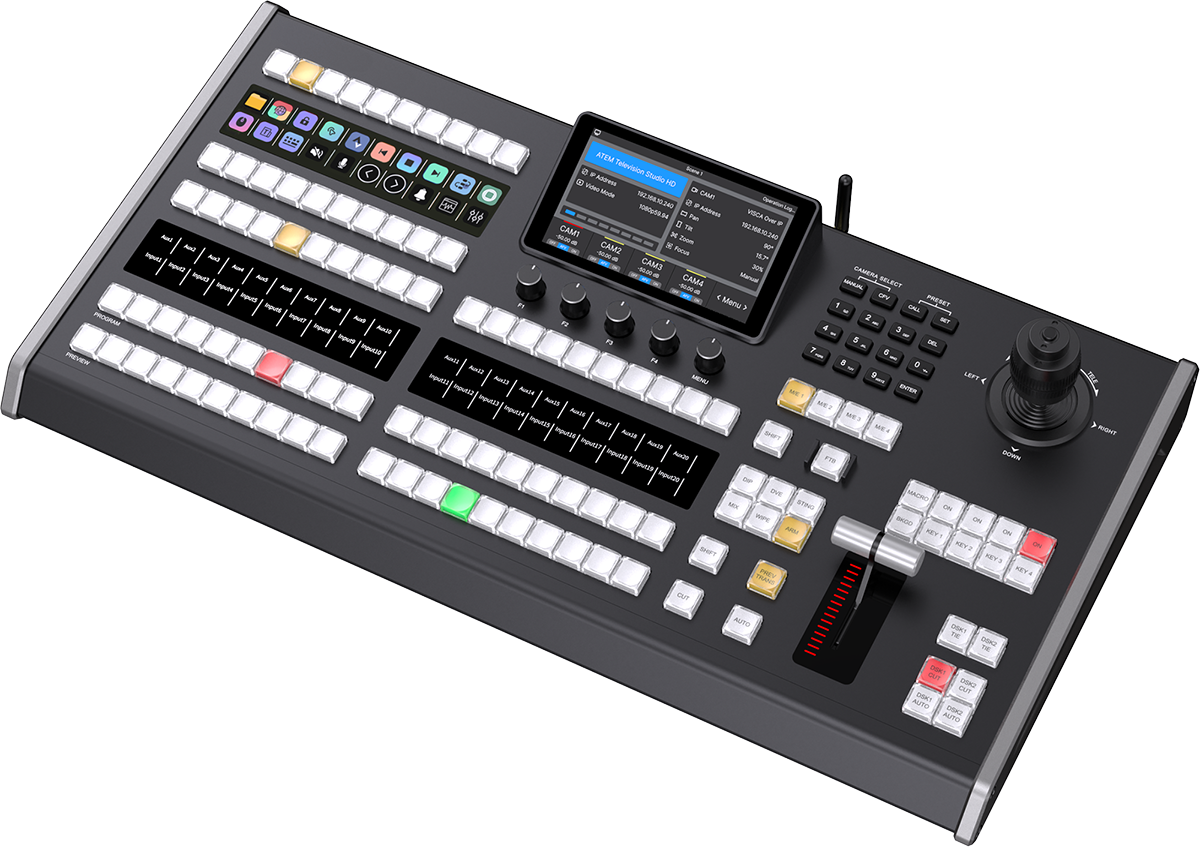
AVCLUE KD60A2 or control panel

VISCA-IP, tally, macros

Audio

Mixer main bus

XLR, AES/analog, USB, delay

Network

Gigabit LAN + upload path

Static IP, NDI, stream margin

Output

Encoder + platforms

RTMP, local record, backup key

What to Verify Before Sunday

A short readiness board for volunteers.

FormatLockedAll cameras, switcher, and encoder use the same resolution and frame rate.
ControlReadyEach PTZ moves, recalls presets, and returns tally or operator feedback.
AudioSyncedStream mix level, room feed, and delay are checked with a short recording.
NetworkStableUpload bandwidth and LAN traffic stay clear during a rehearsal stream.
BackupPreparedLocal recording, second RTMP key, and manual fallback are ready.

FAQ

Short answers before the WhatsApp message

Can AVCLUE recommend a full workflow?

Yes. Share your current cameras, switcher, software, audio path, and production goal.

Can you check compatibility before purchase?

Yes. The fastest path is to send your camera, controller, switcher, software, and connection method.

What should I send before asking?

Send your use case, existing gear, camera count, operator count, budget range, and any setup issue.

Choose the right live production system

Practical advice for PTZ, control, and switching.

Talk for Fast Advice