Product Comparison · 2026
KD61BvsKD61A
A side-by-side breakdown of the most important hardware, workflow, and deployment differences between KD61B and KD61A.
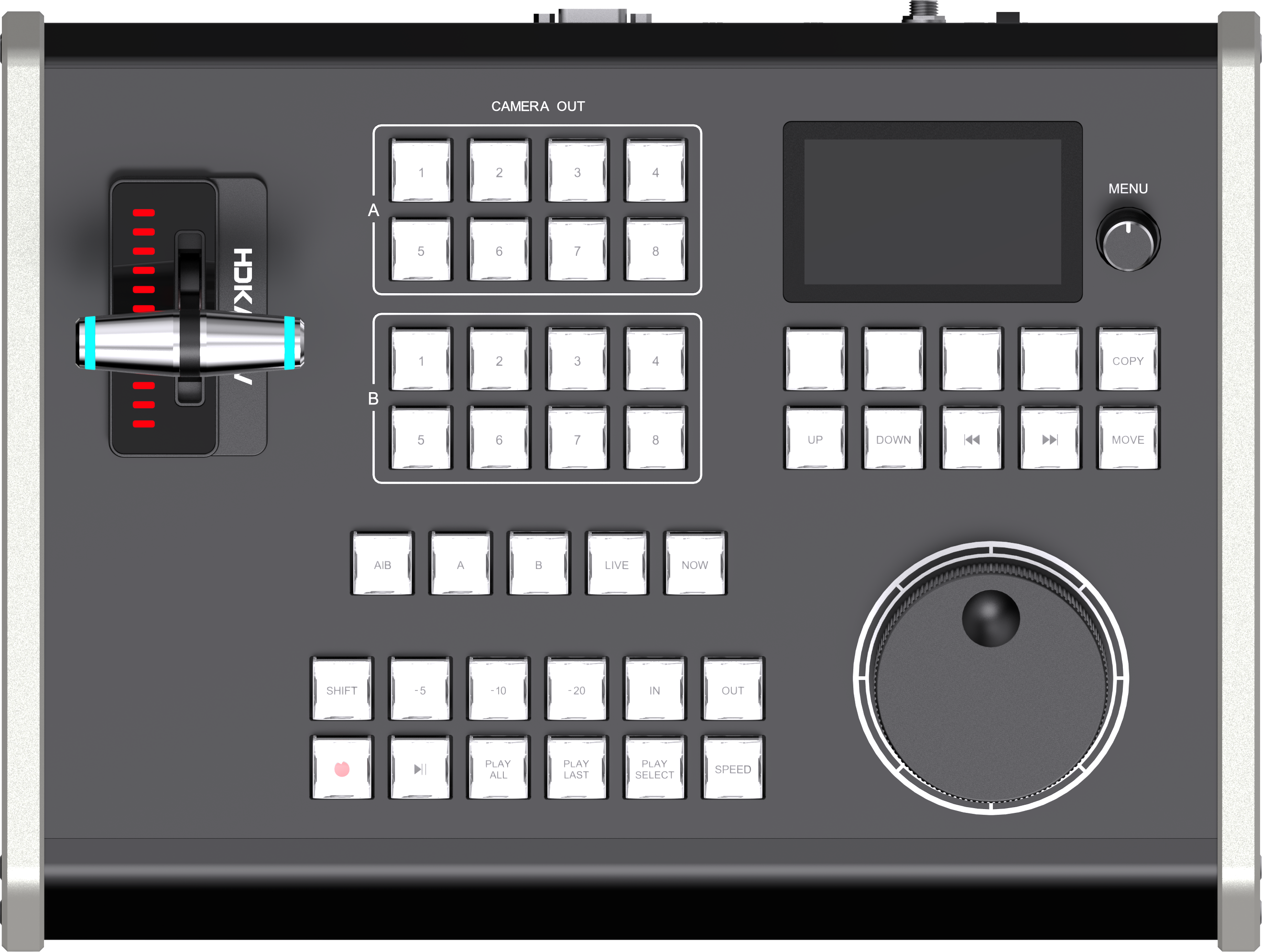
KD61B
New Product · 2026
Upgraded Model
VS
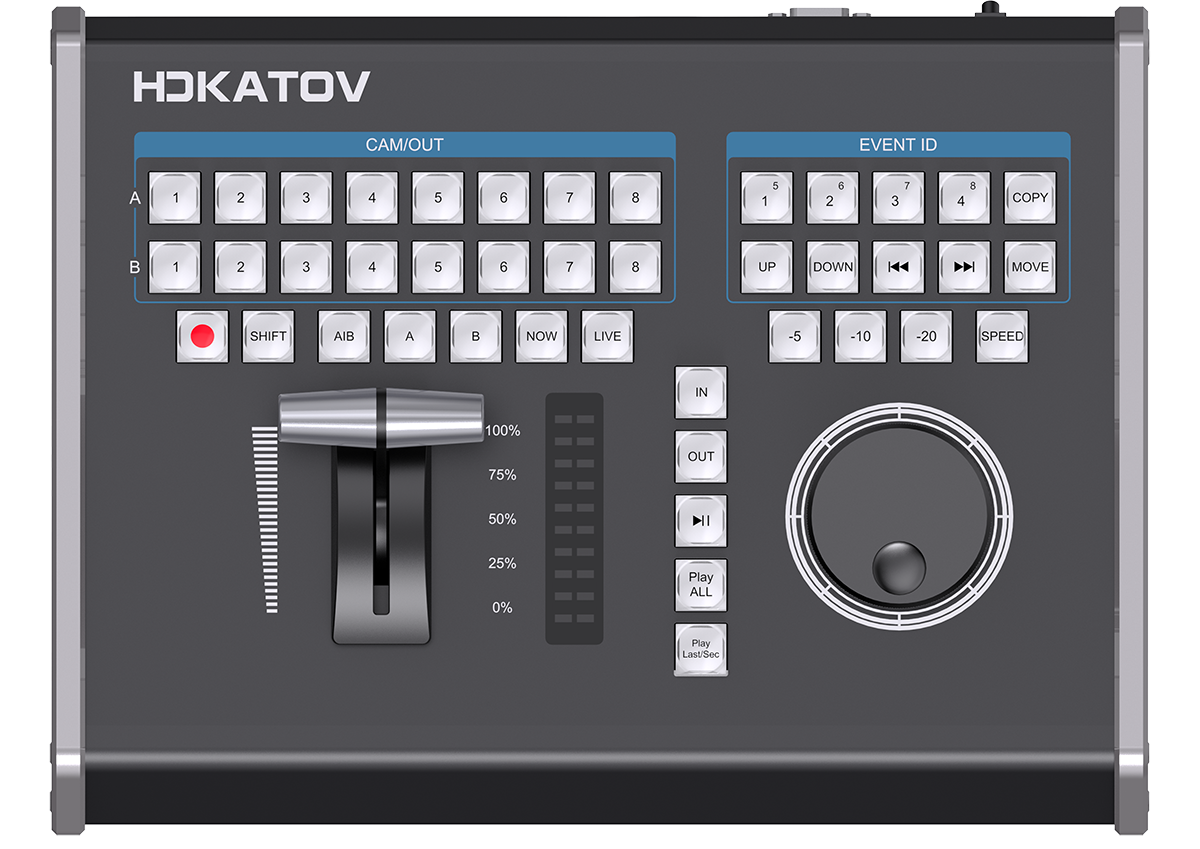
KD61A
Current Selling Product
Current Model
A side-by-side breakdown of the most important hardware, workflow, and deployment differences between KD61B and KD61A.
The main reasons a buyer would choose KD61B over the current KD61A.
Every feature, hardware detail, and specification compared side by side.
| Sub-Category | Item | KD61A (Current) | KD61B (New) | Status |
|---|---|---|---|---|
| Housing Material | Aluminum Alloy | Aluminum Alloy | Same | |
| Body Color | Black | Silver Gray | Different | |
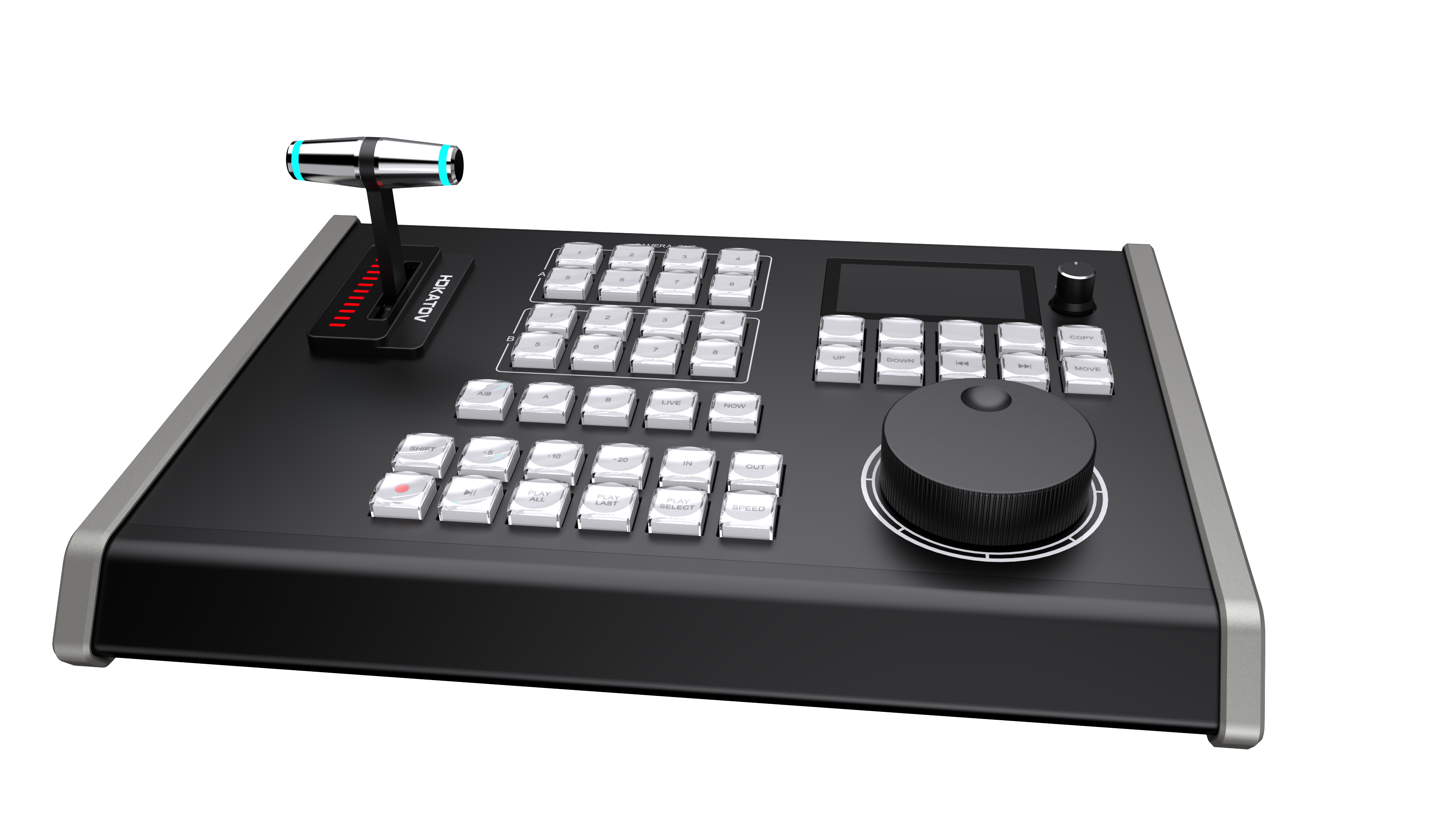
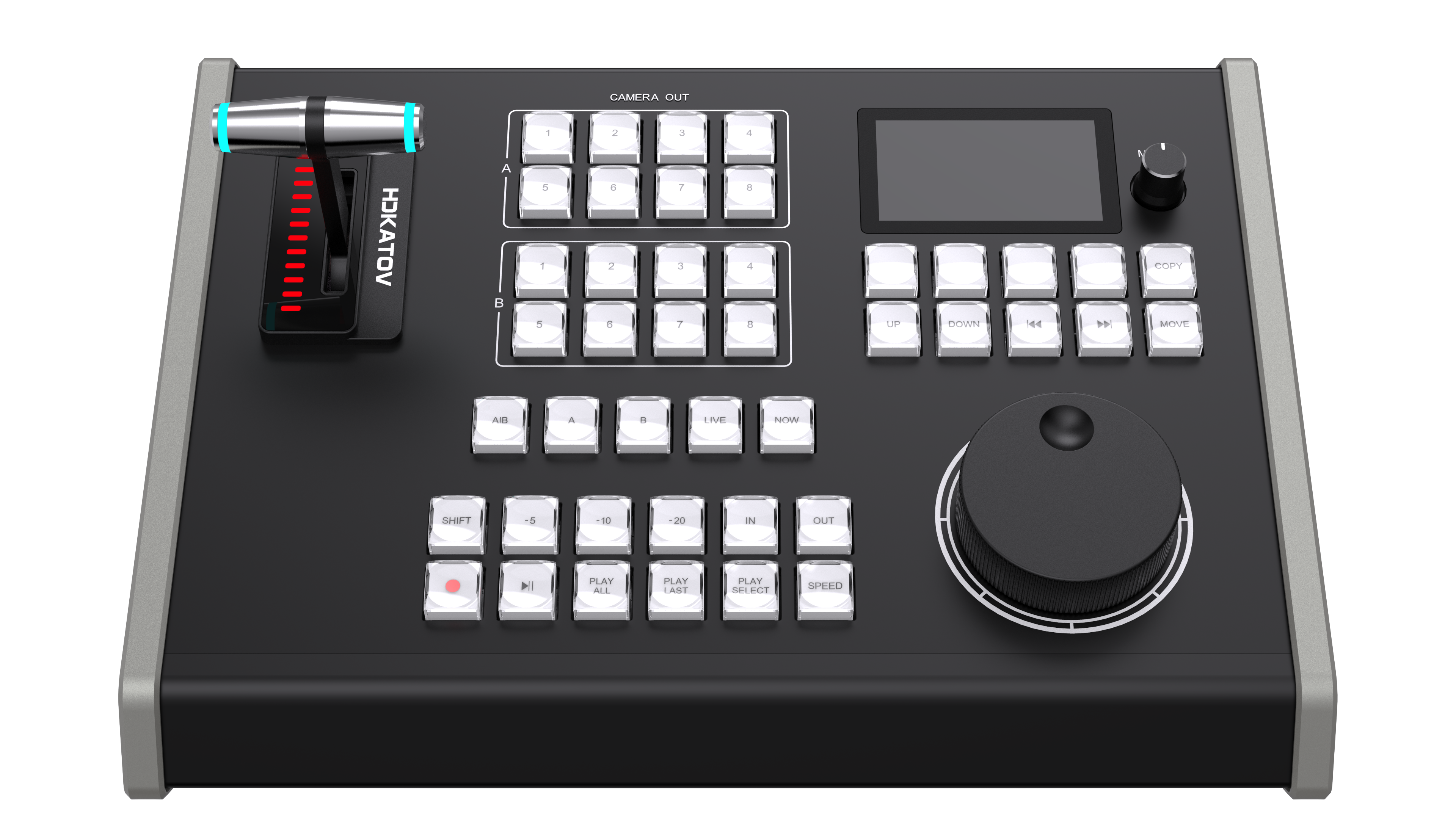
| LCD Screen | None | Yes — 3" Color LCD | KD61B New | |
| Resolution | — | 640 × 360 | KD61B New | |
| Shows: Protocol | — | Network / USB icon | KD61B New | |
| Shows: IP Address | — | vMix TCP target IP | KD61B New | |
| Shows: Replay Speed | — | 0–100%, 1% step | KD61B New | |
| Shows: Jog Speed | — | 1× / 2× / 3× / 4× | KD61B New | |
| Shows: Custom Button Names | — | Yes (4×6 pages) | KD61B New | |
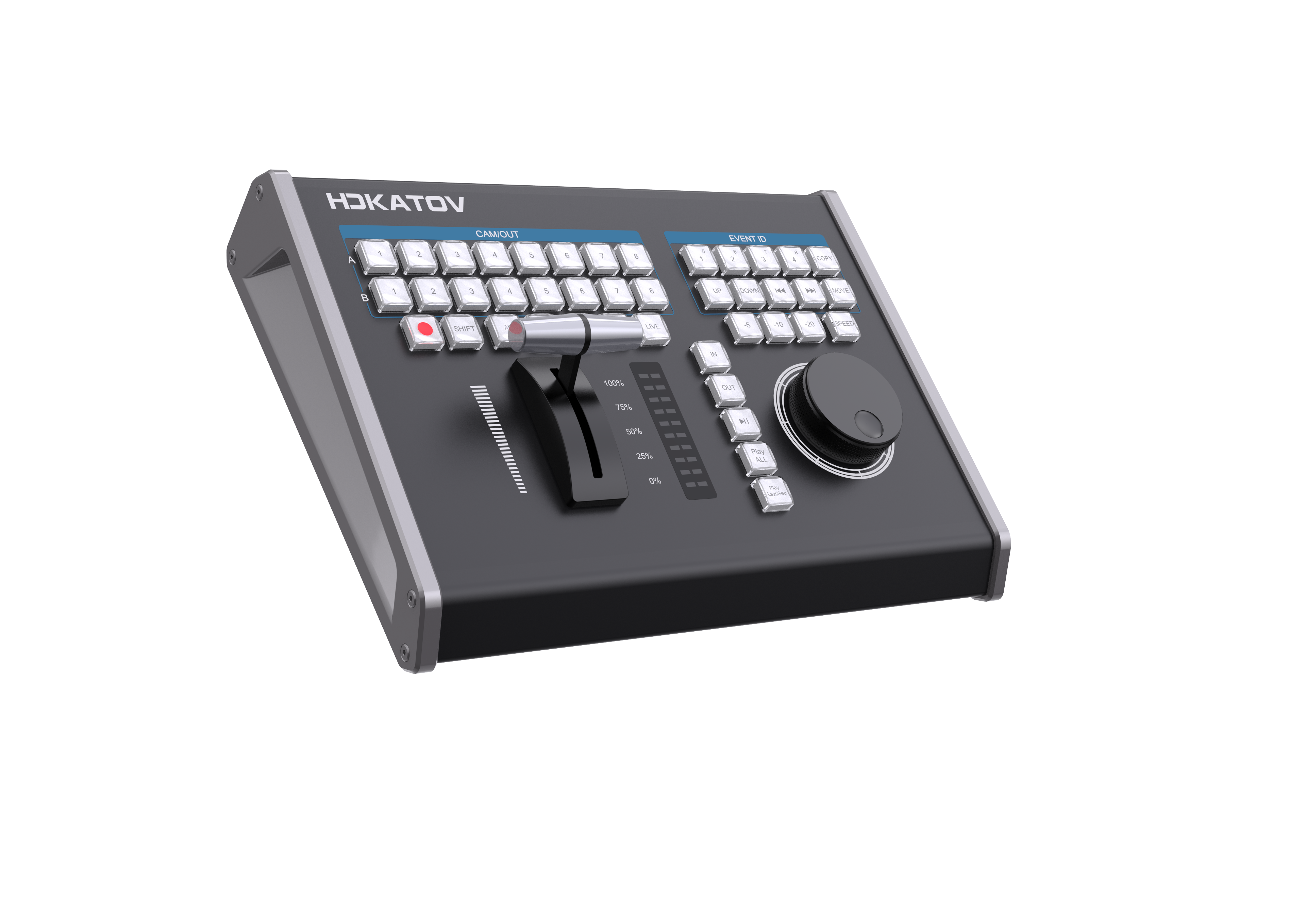
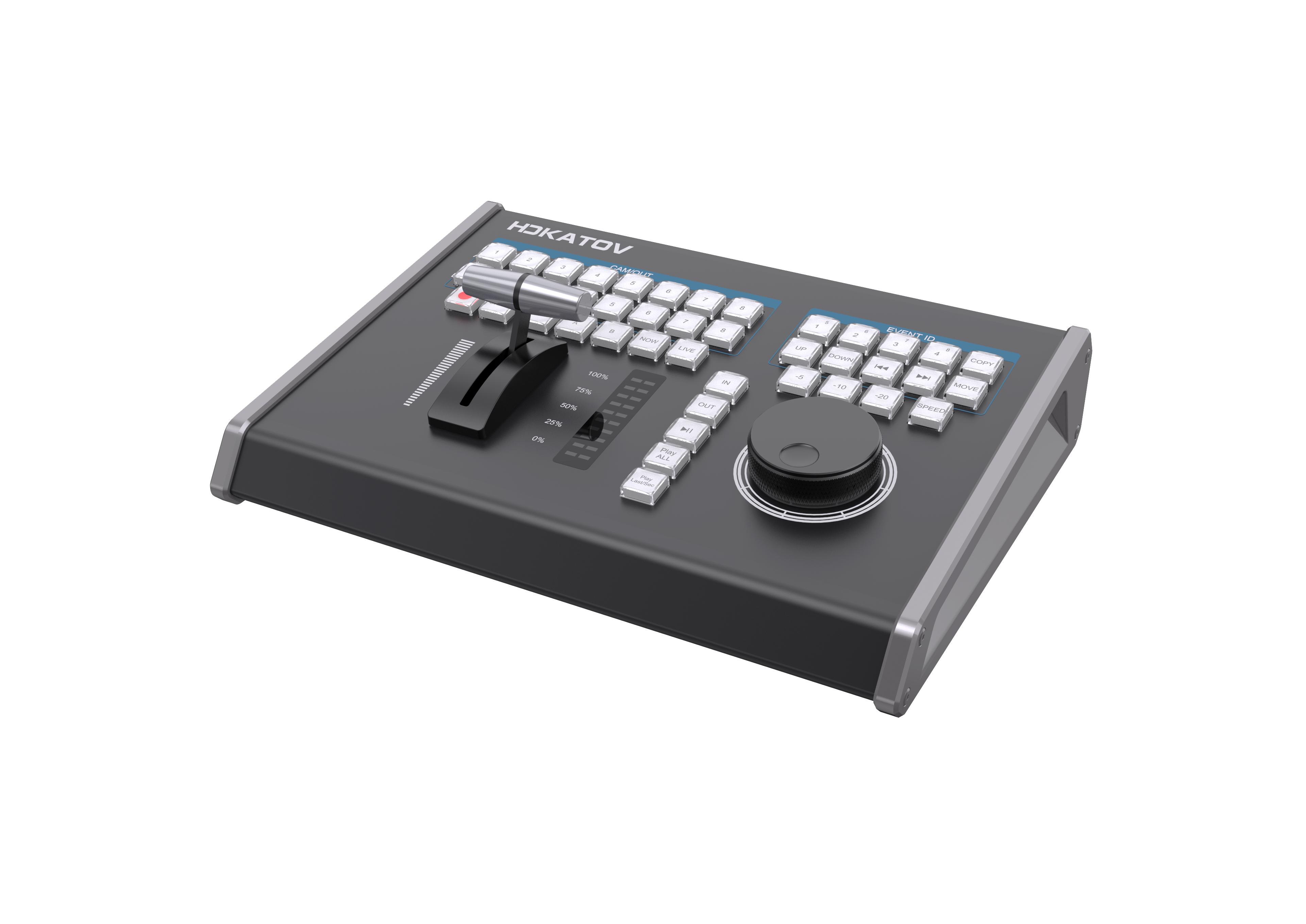
| Total Keys | 43 keys | 42 keys | Different | |
| Key Type | Red/White & Green/White dual-color crystal | Full RGB crystal | KD61B Better | |
| Brightness Adjustment | None | Low / Mid / High | KD61B Better | |
| Web-Customizable Buttons | None | 4 buttons | KD61B New | |
| Customizable Pages | None | 6 pages | KD61B New | |
| Total Custom Actions | None | 24 actions (4 × 6) | KD61B New | |
| Navigation Knob | None | Yes | KD61B New | |
| Knob Function | — | Device menu navigation | KD61B New | |
| Jog Speed Levels | 2 levels (1× / 5×) | 4 levels (1× / 2× / 3× / 4×) | KD61B Better | |
| Direction Control | Clockwise / Counterclockwise | Clockwise / Counterclockwise | Same | |
| T-BAR Material | Aluminum Alloy | Aluminum Alloy | Same | |
| LED Progress Bar | None | Yes | KD61B New | |
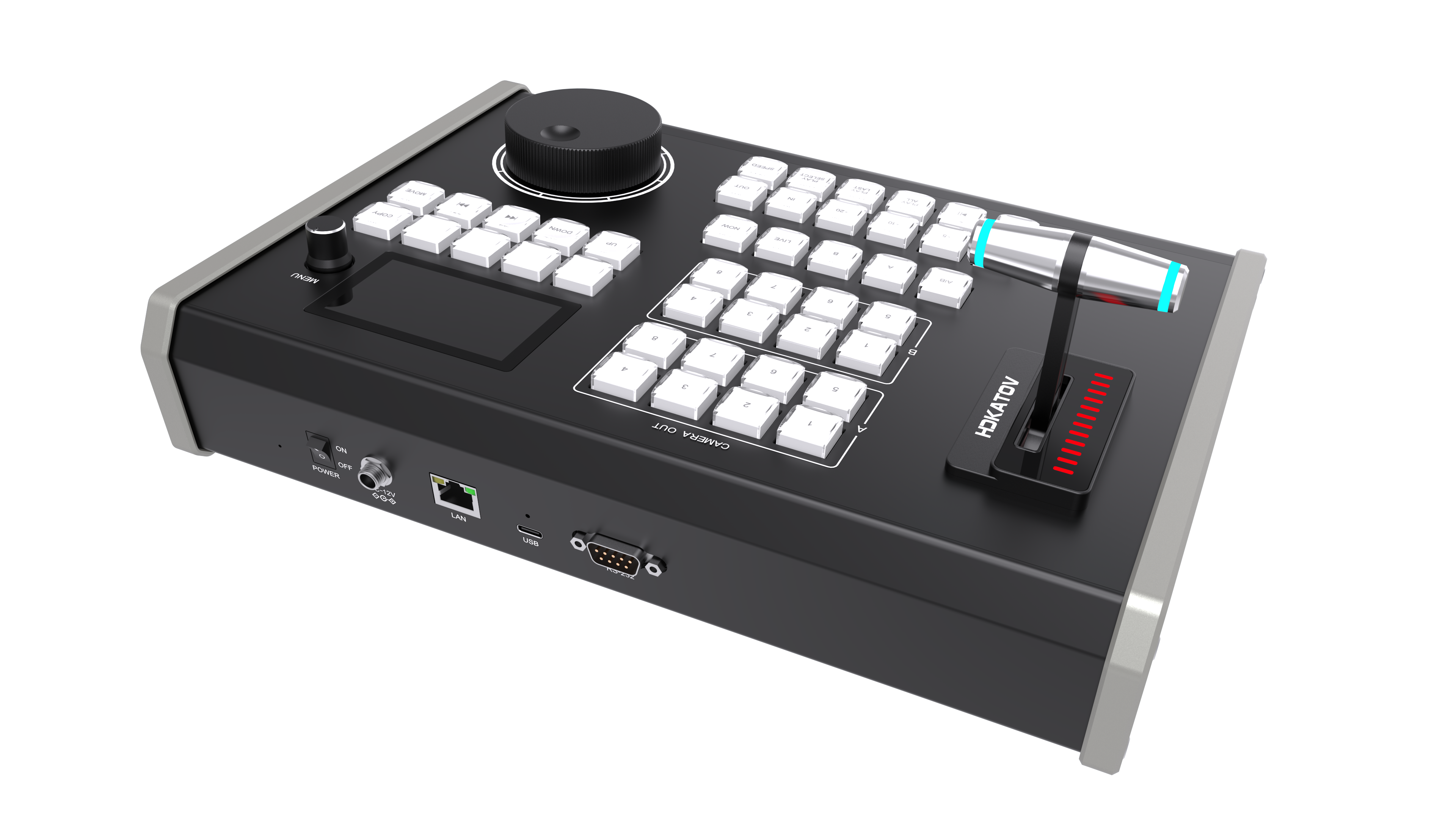
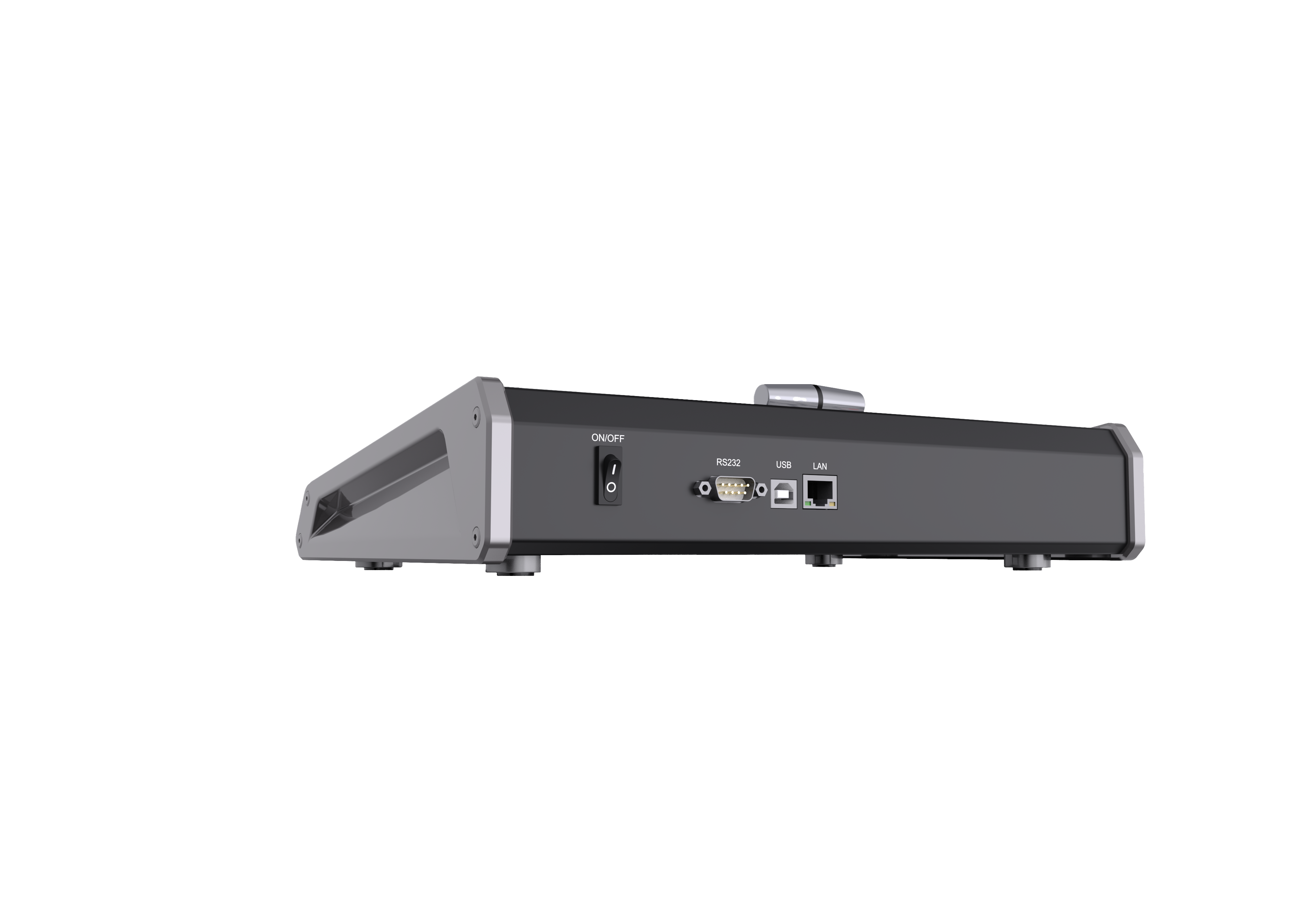
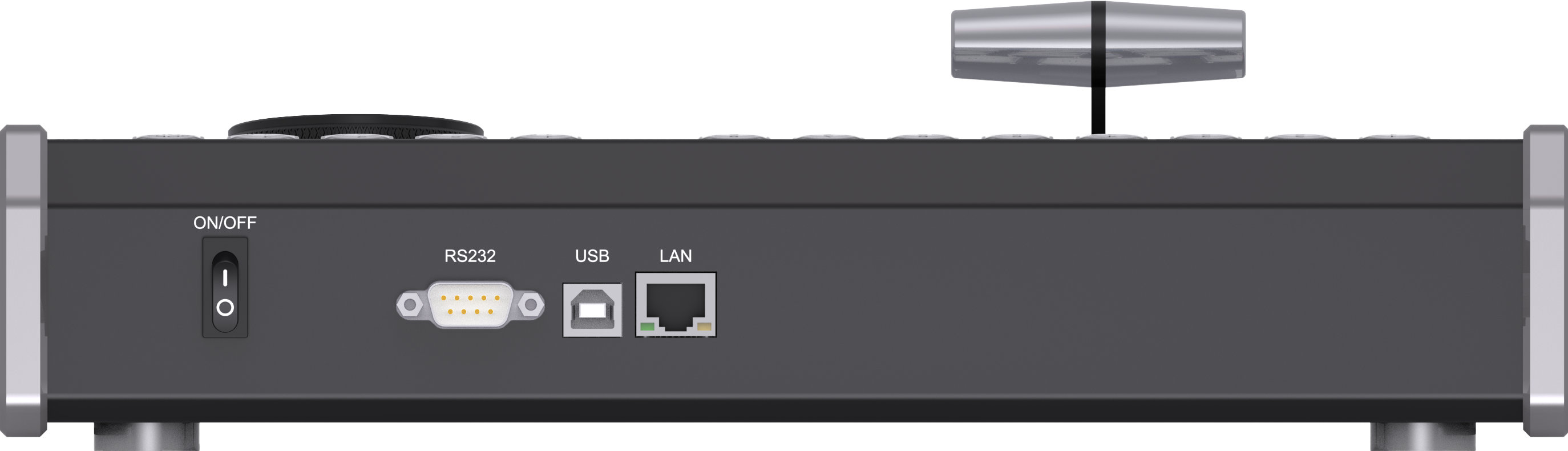
| USB Port | USB 2.0 Type-B × 1 | USB 3.0 Type-C × 1 | KD61B Better | |
| LAN / Network Port | RJ45 × 1 (reserved, not enabled) | RJ45 × 1 (TCP enabled + PoE) | KD61B Better | |
| RS-232 Port | Reserved | Reserved | Same | |
| DC Power Port | None | IEC 60130-10 Type A | KD61B New | |
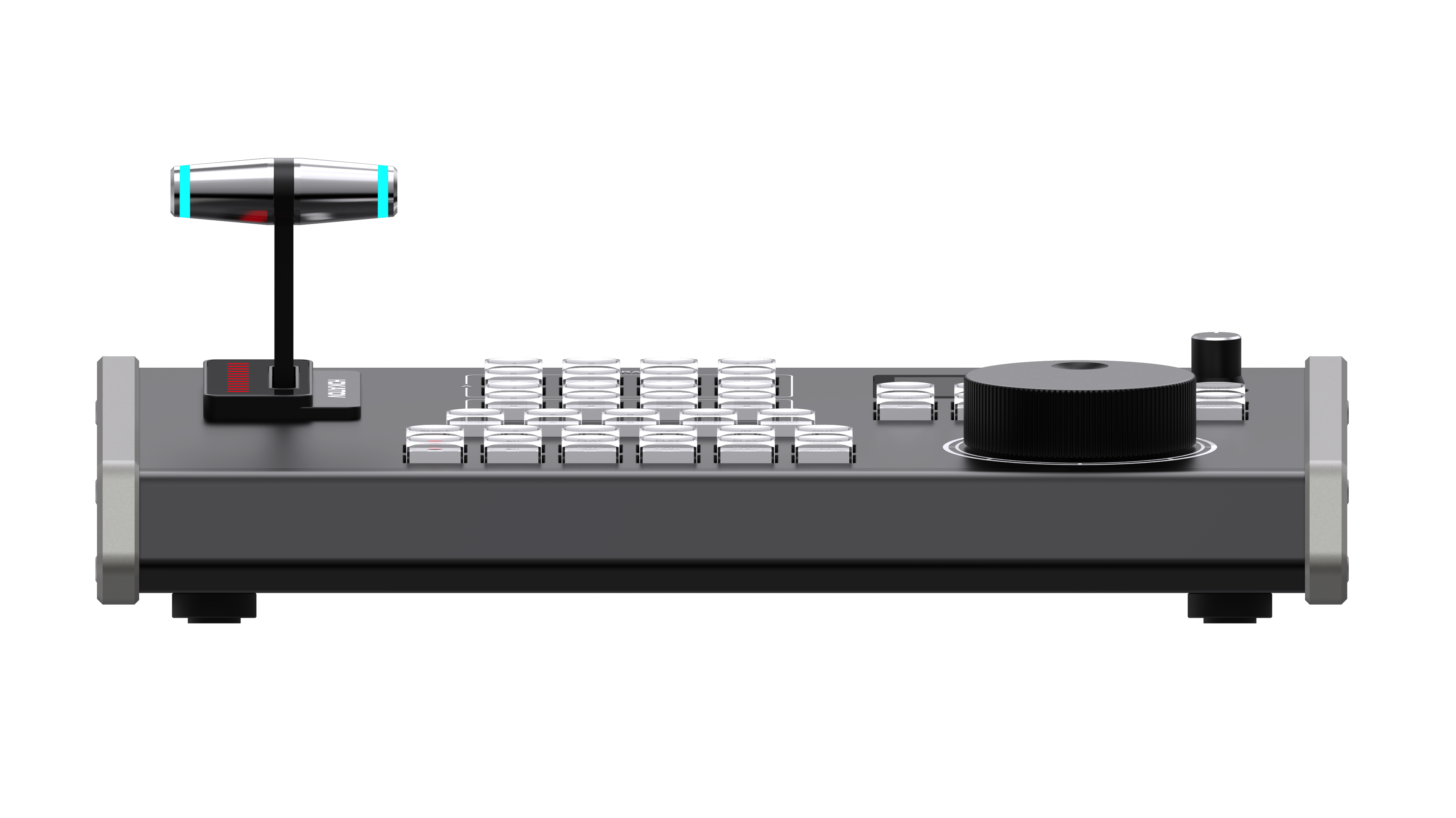
| Product Dimensions | 325 × 246 × 98 mm | 326 × 246 × 103 mm | Different | |
| Product Weight | 3.5 kg | 3.5 kg | Same | |
| Compatible Software | vMix + MIDI-compatible apps | vMix (TCP & USB-MIDI) | KD61A Broader | |
| Replay Channels | 8 channels | 8 channels | Same | |
| Camera Layout | A / B dual-camera | A / B dual-camera | Same | |
| Channel Shortcuts | 8 keys | 8 keys | Same | |
| Mark IN Point | ✓ Supported | ✓ Supported | Same | |
| Mark OUT Point | ✓ Supported | ✓ Supported | Same | |
| IN record → OUT play | ✓ Supported | ✓ Supported | Same | |
| Quick Mark –5 seconds | ✓ Supported | ✓ Supported | Same | |
| Quick Mark –10 seconds | ✓ Supported | ✓ Supported | Same | |
| Quick Mark –20 seconds | ✓ Supported | ✓ Supported | Same | |
| Play / Pause | ✓ Supported | ✓ Supported | Same | |
| Play All Events To Output | ✓ Supported | ✓ Supported | Same | |
| Play Last Event(s) To Output | ✓ Supported | ✓ Supported | Same | |
| Play Selected Event To Output | ✓ (SHIFT mode) | ✓ (SHIFT mode) | Same | |
| LIVE Toggle | ✓ Supported | ✓ Supported | Same | |
| Jump to NOW | ✓ Supported | ✓ Supported | Same | |
| Start / Stop Recording | ✓ Supported | ✓ Supported | Same | |
| Event List 1–8 Select | ✓ Supported | Customizable | KD61B Better | |
| Prev / Next Event | ✓ Supported | ✓ Supported | Same | |
| Jump to First / Last Event | ✓ Supported | Customizable | KD61B Better | |
| MOVE Event | ✓ Supported | ✓ Supported | Same | |
| COPY Event | ✓ Supported | ✓ Supported | Same | |
| SHIFT Key Enable / Disable | ✓ Supported | ✓ Supported | Same | |
| A|B Dual-Channel Select | ✓ Supported | ✓ Supported | Same | |
| A Channel Only | ✓ Supported | ✓ Supported | Same | |
| B Channel Only | ✓ Supported | ✓ Supported | Same | |
| T-BAR Speed 0–100% | ✓ Supported | ✓ Supported | Same | |
| Wheel Speed Modes | 1× / 5× | 1× / 2× / 3× / 4× | KD61B Better | |
| USB-MIDI Full-Key Custom | ✓ Supported (all keys) | ✓ Supported (all keys) | Same | |
| TCP Key Custom Mapping | Not supported | Not supported | Same | |
| Web Backend Custom Buttons | Not supported | ✓ 4 buttons via web | KD61B New | |
| Button Name on LCD | Not supported | ✓ (LCD display) | KD61B New | |
| Firmware Upgrade | Via tool loading | Web backend OTA | KD61B Better | |
| USB Protocol | ✓ USB-MIDI | ✓ USB-MIDI | Same | |
| TCP Network Protocol | Not supported | ✓ Supported | KD61B New | |
| MIDI Protocol | ✓ Supported | ✓ Supported | Same | |
| LAN Network Control | Reserved, not enabled | ✓ Fully enabled | KD61B New | |
| RS-232 | Reserved | Reserved | Same | |
| Single-line vMix Control | USB single cable | TCP+PoE or USB single cable | KD61B Better | |
| Settings Menu | None | ✓ Yes | KD61B New | |
| Simplified Chinese | — | ✓ Supported | KD61B New | |
| English | — | ✓ Supported | KD61B New | |
| Japanese | — | ✓ Supported | KD61B New | |
| Korean | — | ✓ Supported | KD61B New | |
| Russian | — | ✓ Supported | KD61B New | |
| Portuguese | — | ✓ Supported | KD61B New | |
| USB Power (5V) | ✓ Supported | ✓ Supported | Same | |
| PoE Power | Not supported | ✓ Supported | KD61B New | |
| DC 12V Power | Not supported | ✓ Supported | KD61B New | |
| Input Voltage | USB 5V | USB 5V / DC 12V | KD61B Better | |
| Input Current | 0.15 A | USB 0.15A / DC 0.5A | KD61B Better | |
| Rated Power | 1W | 6W (max) | Different | |
| Operating Environment | Indoor | Indoor | Same | |
| Operating Temperature | −25°C to 60°C | −10°C to 40°C | Different | |
| Operating Humidity | <90% | <90% | Same |